Integrating TxContact with ZOHO
Associate TxContact Agent with Zoho Users
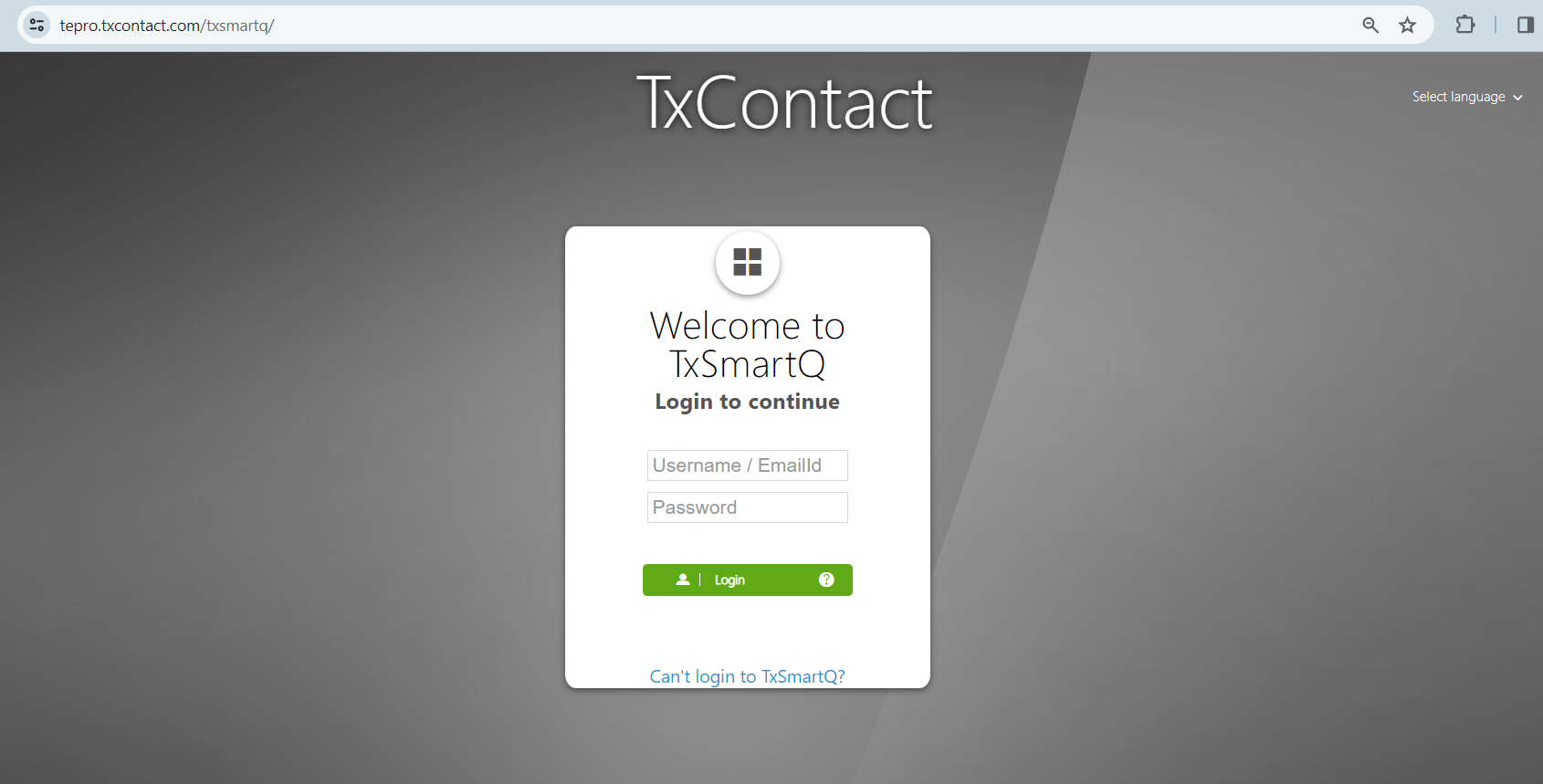
1. Login to TxSmartQ
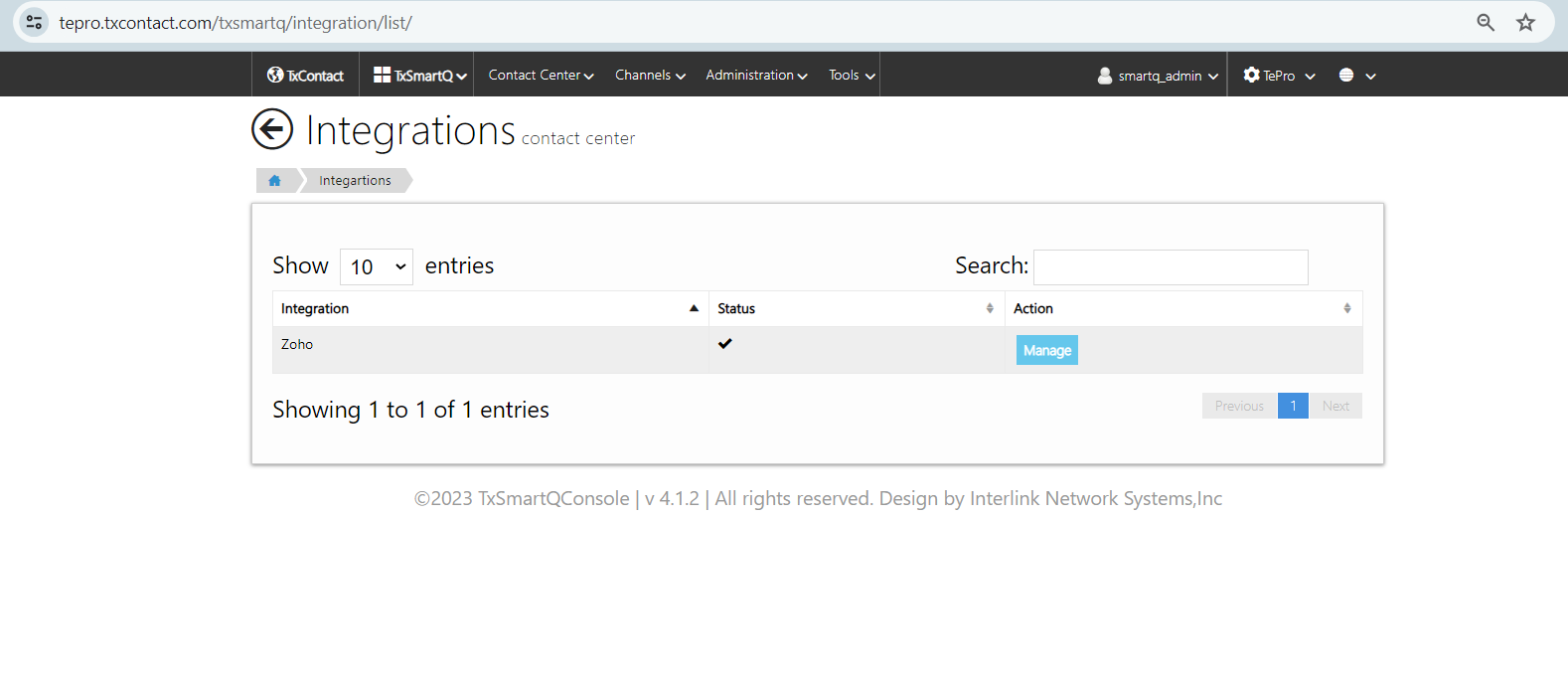
Click on Manage
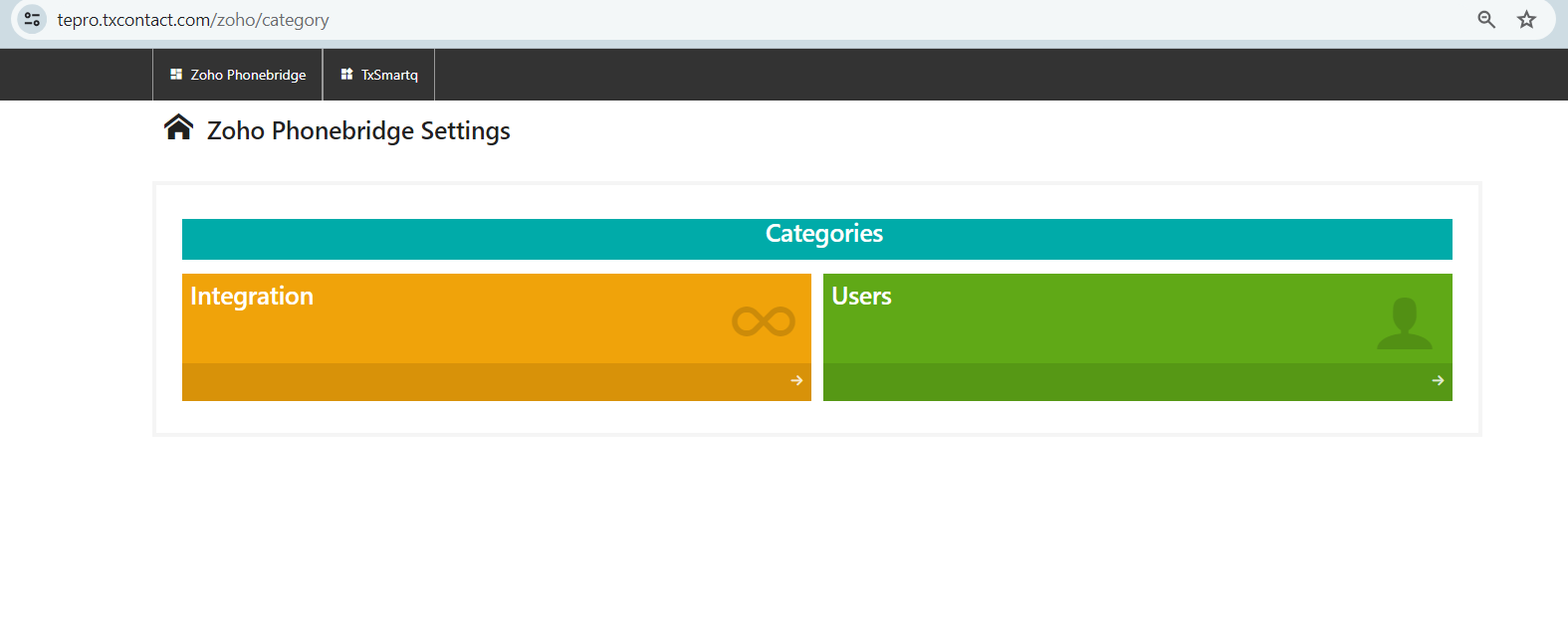
3. Click Users
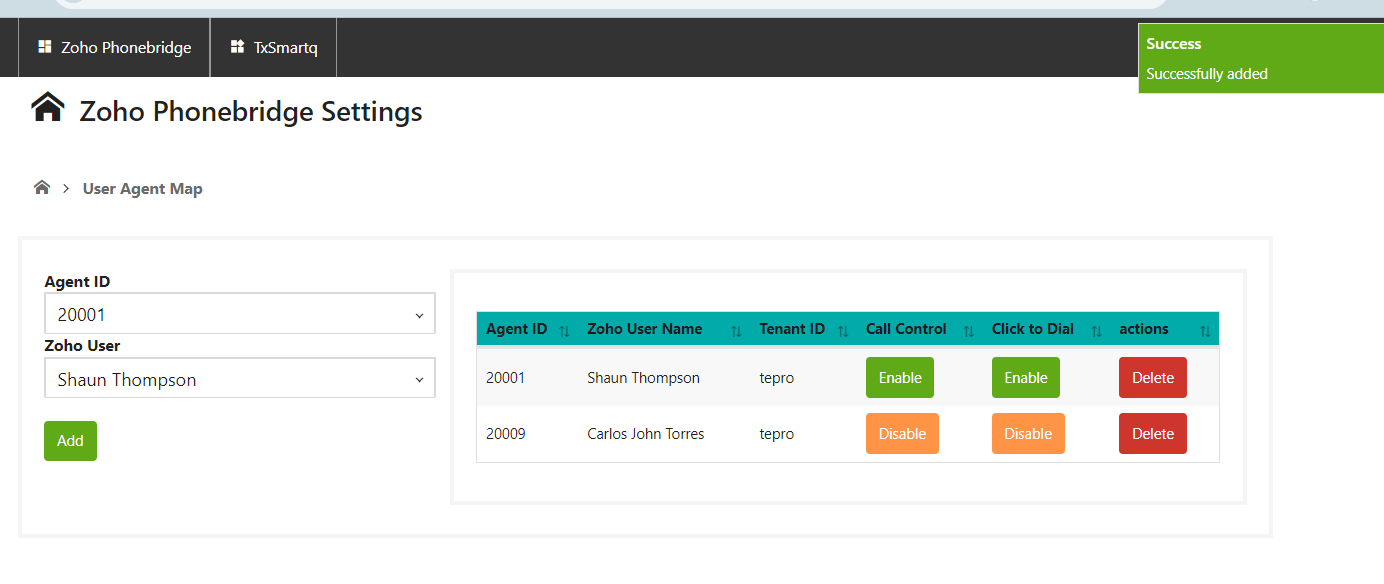
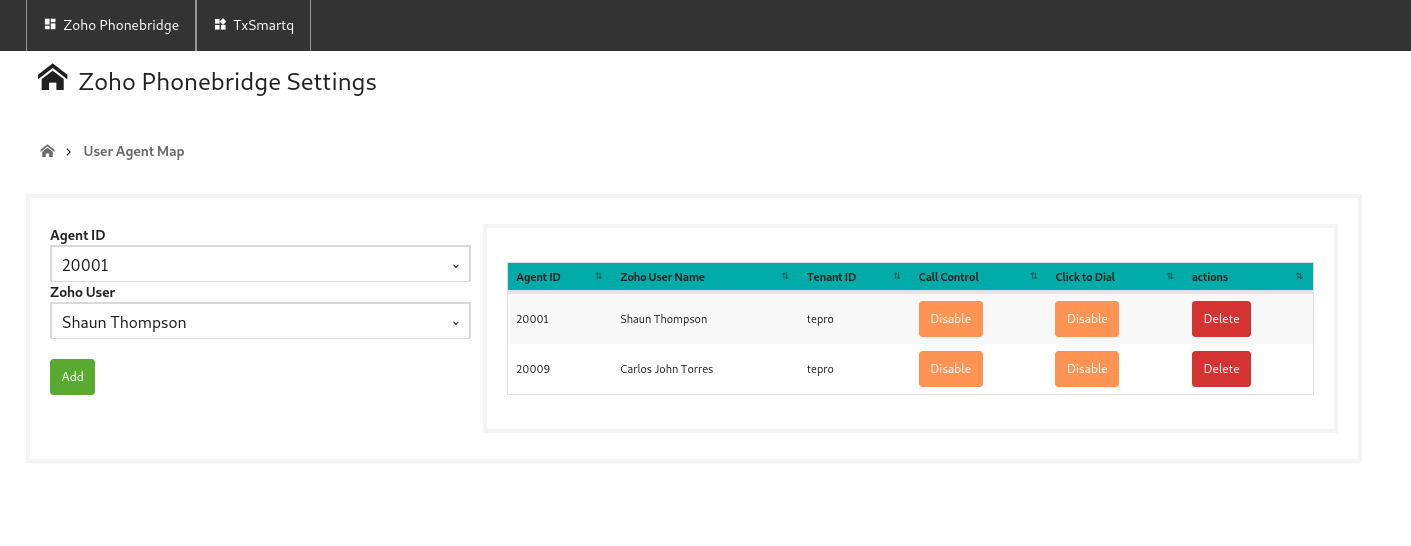
4. Select the Agent Id and Zoho User from the drop down and click on Add. Once added the entry will be shown on right hand side.
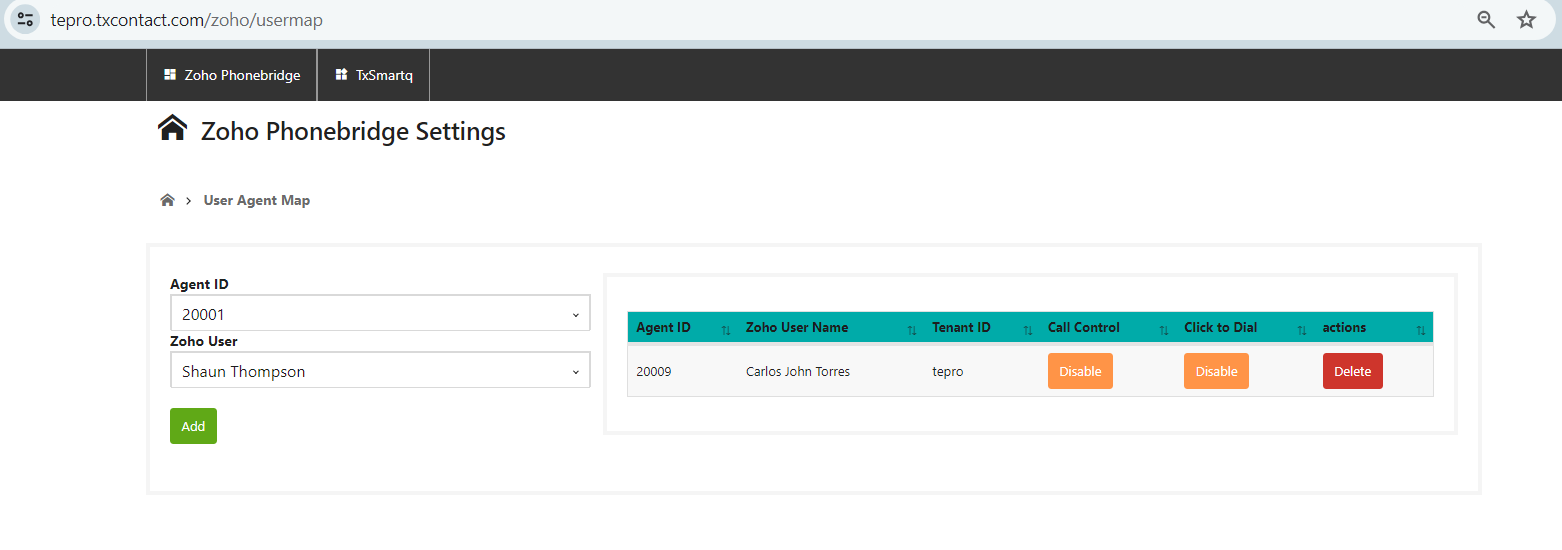
5. Then click on 'Enable' button under Call Control and Click to Dial.
Did you find it helpful?