How to import the contacts to Helpdesk and repush it to the TxDialer ?
Go to the home page and click on the Contact icon.

Click on the import option at the top right corner of the page.

Upload the CSV file and one column should named as "Email"
Email column is mandatory
CSV Format
| Name | Contact Number | |
| ABCD | 12345*****123 | ABC@ABC.COM |
How to push contact from Helpdesk to the TxDialer ?
Step 1: Select the contacts
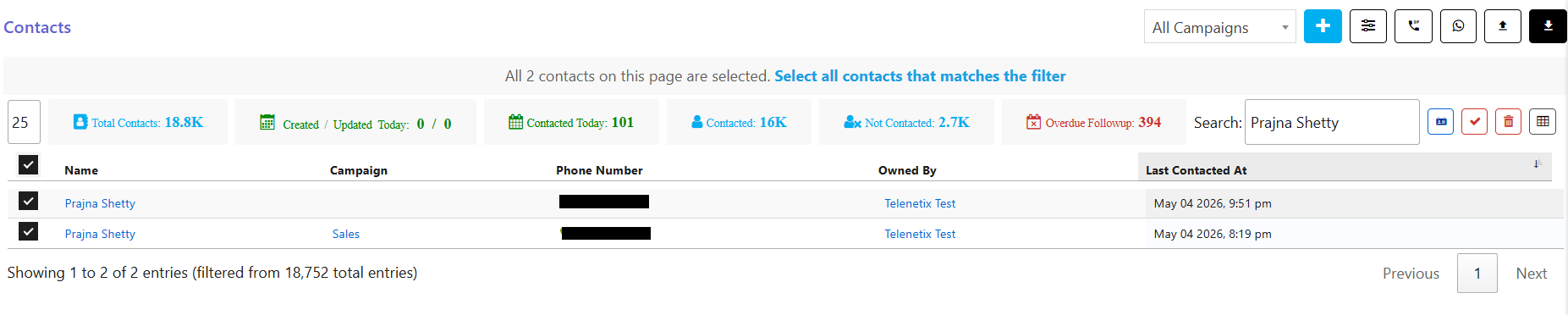
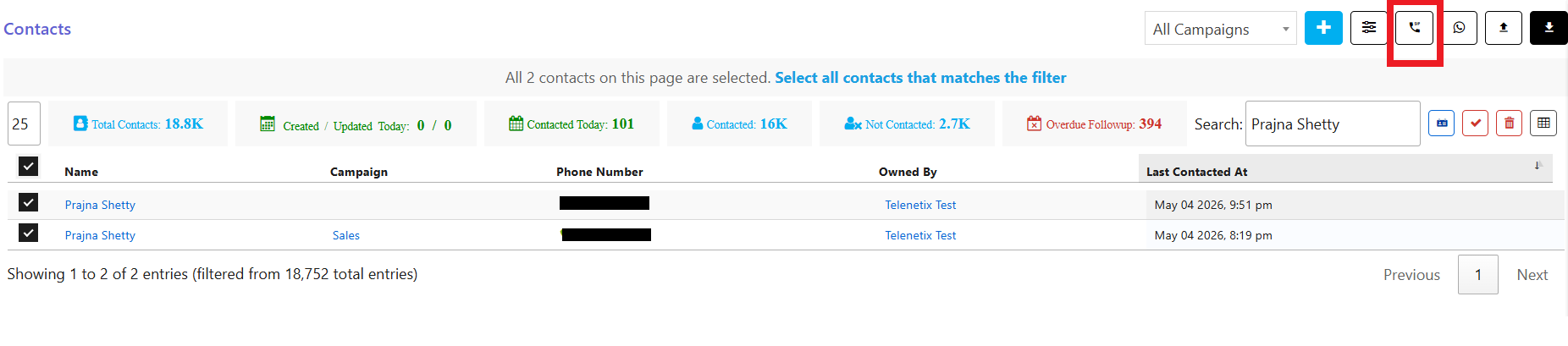
Step 2: Push the selected contacts to the TxDialer using the icon  (as highlighted in the screenshot)
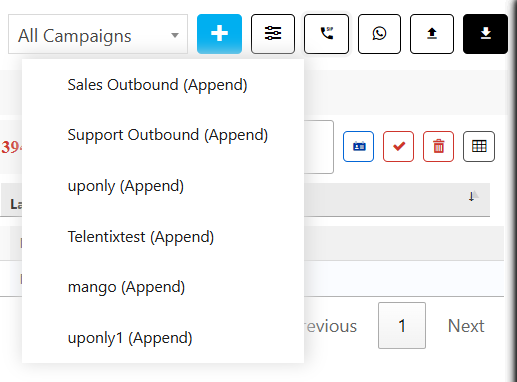
Step 3: Select the Campaign to which the contact needs to be pushed
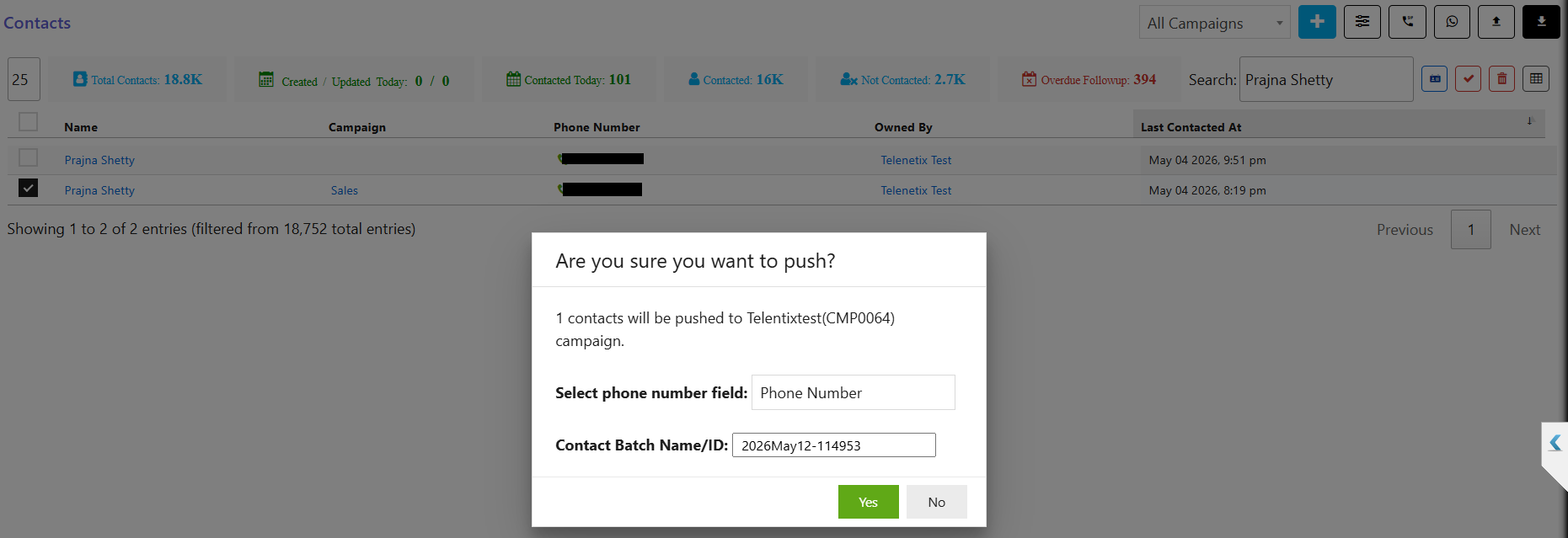
Step 4: A dialog box will appear, click on Yes
Did you find it helpful?