How to change states in Chirp
1. Click on Chirp App and register.
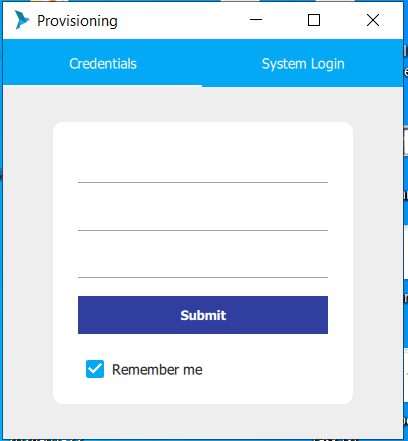
2. To change Chirp Status please click on ( Status - by default offline) > Login> Logout> On Break> Available for Call> On Outbound.
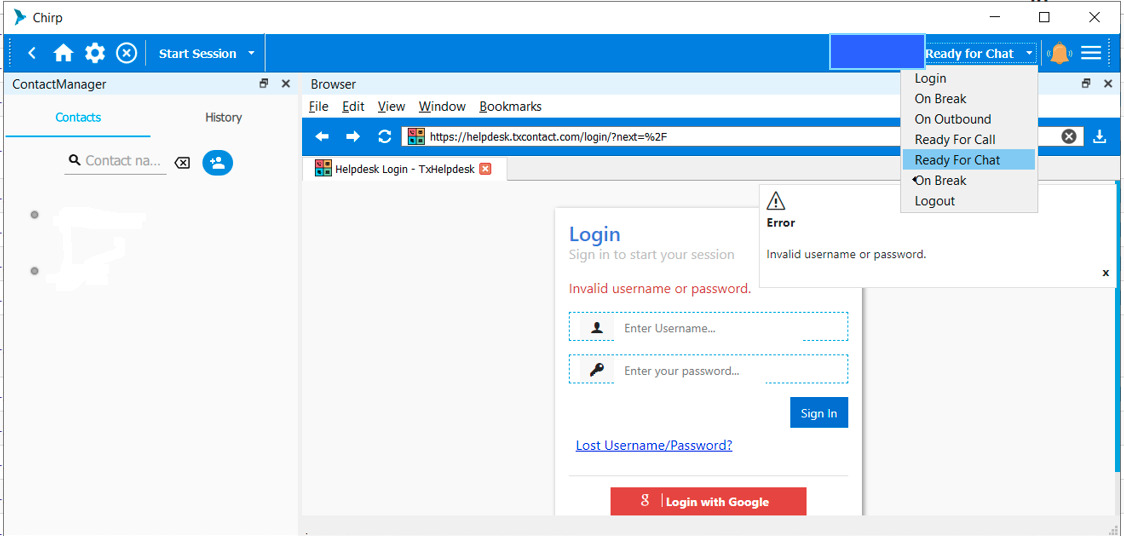
| Agent States Explained | |
|---|---|
| Login | This state grants the authorization for the Agent to make use of the softphone features. |
| On Break | The Agent state, when he needs a break from the calls. This can be either a productive or non-productive break as configured in TxSmartQ. |
| Ready for Call | An agent needs to be in this state to receive the calls. |
| On Outbound | An agent needs to be in this state to dial out. |
| Logout | This Agent state results at the end of the session. |
Did you find it helpful?